To access the Cockpit, open:
https://cockpit-swissclimate.de/login
Enter your username or email address and your password, then click Sign in. Your login credentials are provided by email when your account is created
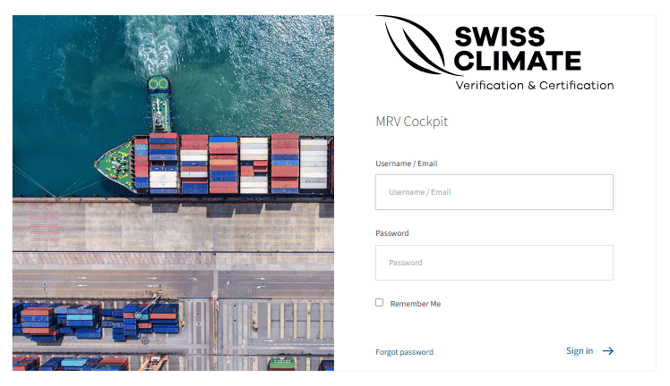
Forgot your password?
If you cannot log in because you forgot your password:
- Click Forgot password.
- Enter your username or email address.
- Click Send email.
- Open the password reset email and follow the link.
- Enter your new password and click Reset password.
Manage your user profile
After logging in, click your username in the top-right corner and select Edit user profile.
From there you can:
- update your user profile,
- change your username,
- change your password.