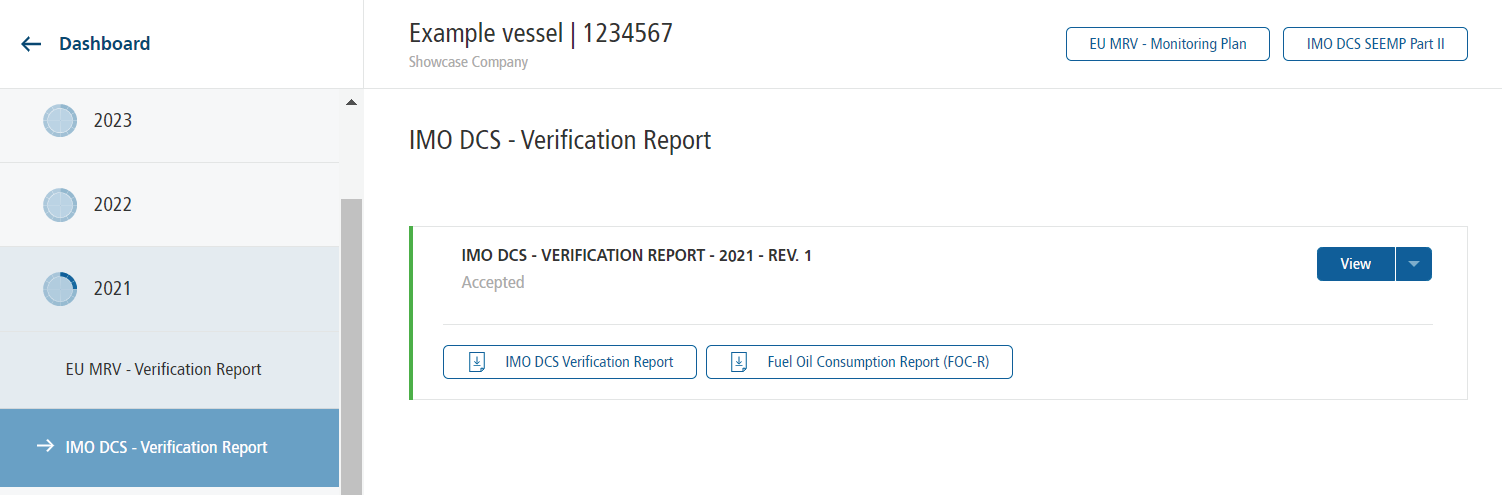
After your reporting data has been successfully verified, additional documents become available for download. Your verifier will inform you when the documents are ready.
EU MRV Verification Report
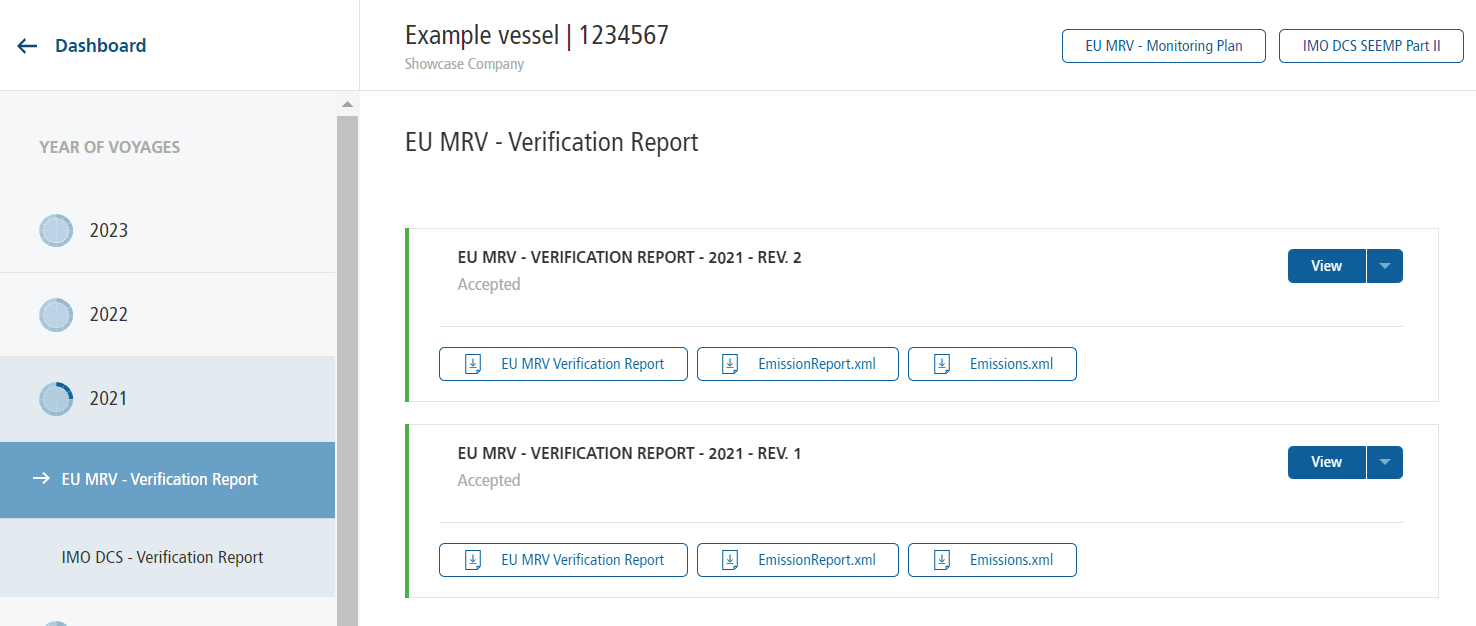
Open the EU MRV – Verification Report tab.
Here you can download:
- the EU MRV Verification Report
- the required XML files
The XML files must be uploaded to THETIS to create the emission report.
After uploading the files to THETIS, please inform your verifier so that the verification process can be finalized in THETIS.
❗UK MRV: No XML files are provided for UK MRV. The data base where UK MRV emissions shall be reported is still under construction.
IMO DCS Verification Report
Open the IMO DCS – Verification Report tab.
Depending on the applicability of CII to the ship, you can download:
- the IMO DCS Verification Report
- the Fuel Oil Consumption Report & CII Rating (FOC-R & CII Rating), or
- the Fuel Oil Consumption Report (FOC-R) if the CII regulation does not apply to the ship.
The Statement of Compliance (SoC) is sent separately by your verifier or flag state.