Reporting forms for which your auditor has requested an amendment are marked orange.

If a report has been sent back by the auditor, open the report to see which information has been declined and requires correction.
🔴 ① To make the required changes, select Draft New Revision or edit the form directly.
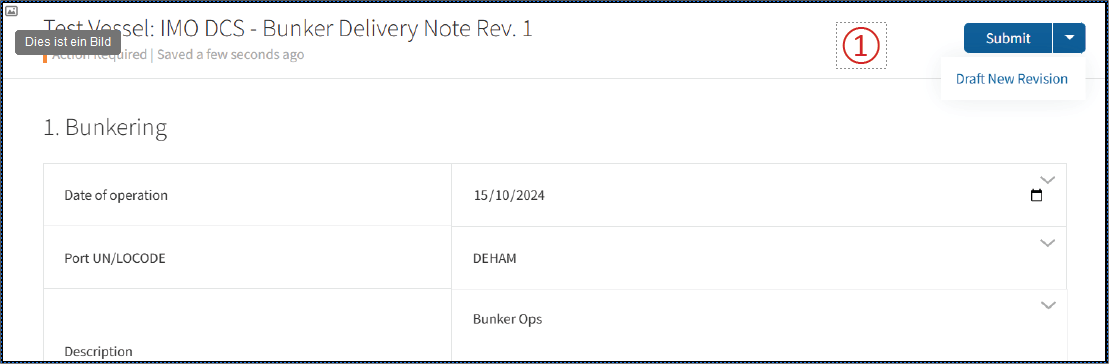
Incorrect or missing information is marked in red.
Click the arrow next to the affected field to expand it and see why the information was declined.
Correct the information and submit the reporting form again for verification.
❗Important: If your reporting data is transferred via API, correct the data in your VPMS. The MRV Cockpit will create a new draft of the reporting form, ready to be submitted again.