When you have completed your plan and attached sufficient evidence, you can submit it to your verifier for the assessment. -> Click Dropdown Menu -> Submit
You can do so either in the dashboard by opening the drop down or in the top right corner when viewing your plan.
Once submitted the status and color will change. (Chapter II.)
You can download a preliminary version of your plan by clicking -> Plan ②
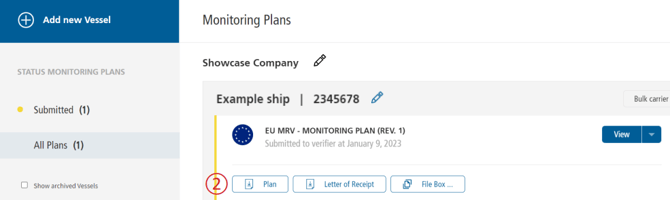
💡A Letter of Receipt (LoR) can be downloaded directly after submission which proves that you have submitted the plan for assessment. The LoR can be provided to authorities if required.