You can create an EMP either from scratch or by importing information from an existing EU MRV (ETS) Monitoring Plan
To start creating an EMP:
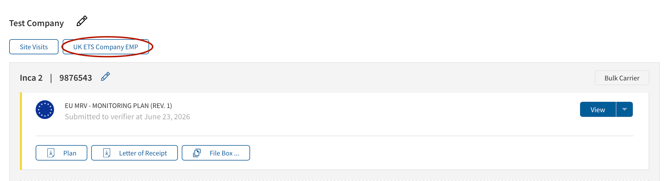
- Open the Monitoring Dashboard.
- Select UK ETS Company EMP for the relevant company.
- Click the plus (+) icon in the upper-right corner.
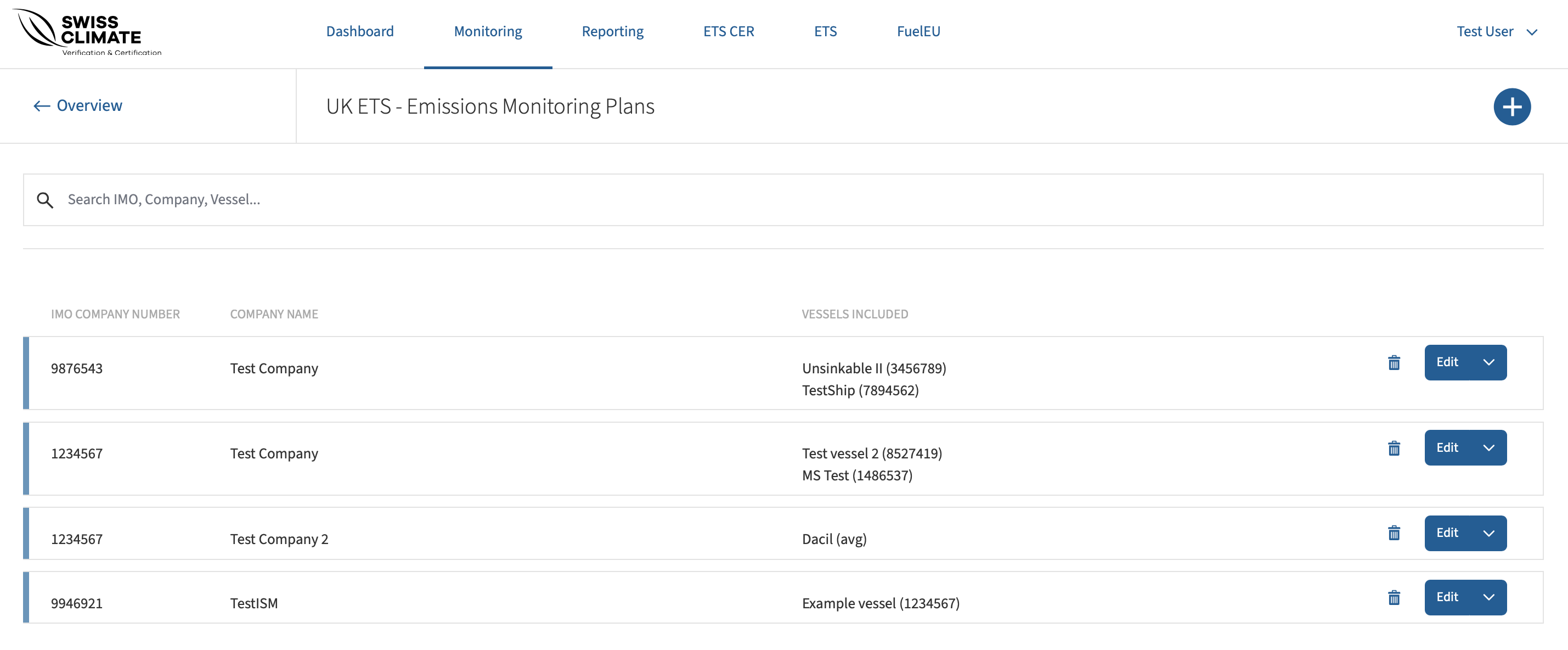
- Choose how you want to create the EMP:
- Start with an empty EMP to create the plan from scratch.
- Import from an existing EU MRV (ETS) Monitoring Plan to use existing information as a basis.
- If starting with an empty EMP, enter the shipping company name and IMO company number.
- Continue completing the required company-level procedures and vessel-specific information.
Once the EMP is complete, it can be transferred to METS.