How to access your verified documents
- Go to Monitoring Plans and select the relevant vessel.
- Find the Monitoring Plan with the status Accepted.
- From the accepted plan, you can download the available documents, including:
- Monitoring Plan
- Letter of Receipt
- Audit Report
- Statement of Compliance (SoC) for EU MRV
- Documents stored in the File Box
- Click Previous Revisions to view earlier versions of the Monitoring Plan and their respective status.
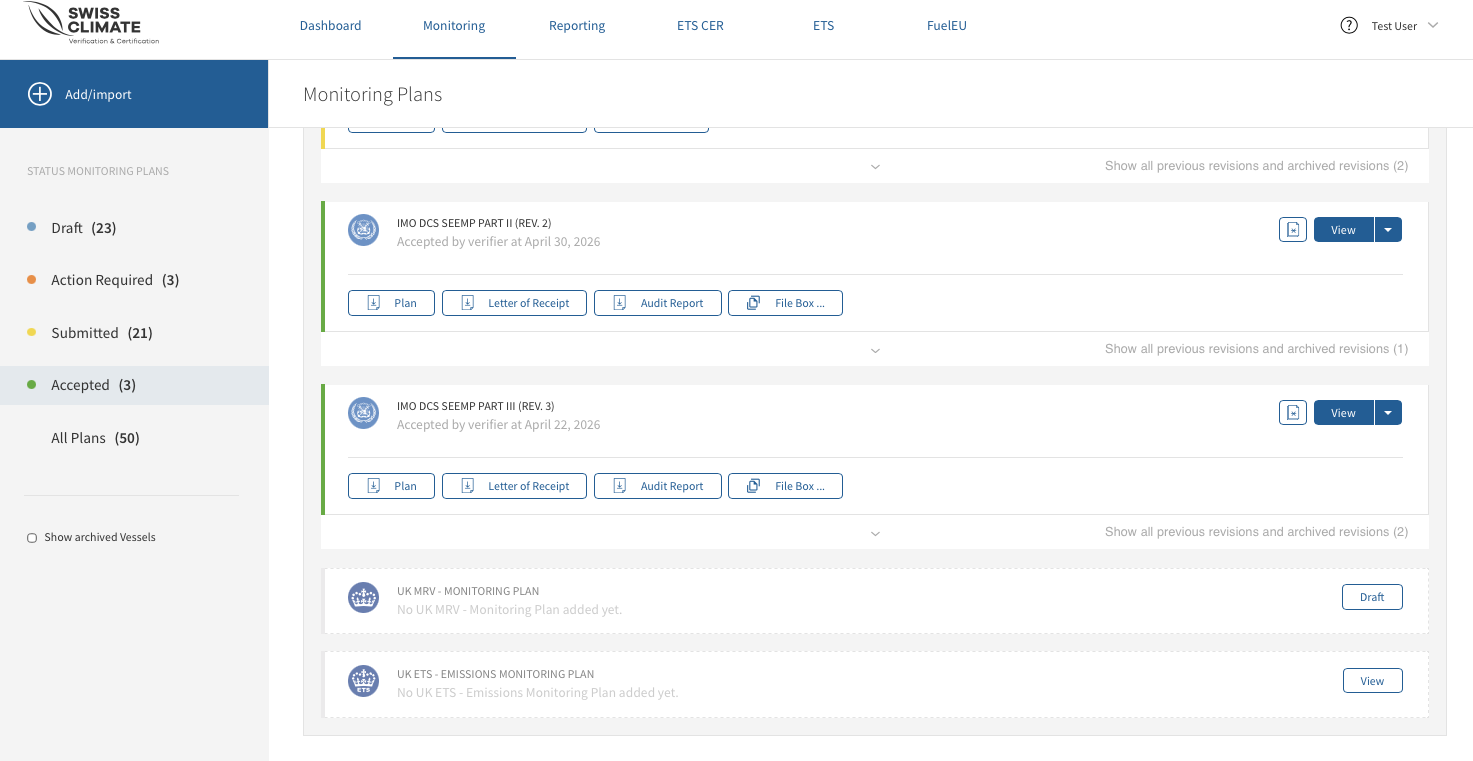
💡For IMO DCS SEEMP Part II and Part III, the Confirmation of Compliance (CoC) is available in the File Box.
What if my verified Monitoring Plan needs to be changed?
If you already have a valid Monitoring Plan but information such as ship particulars, methods or procedures changes, you need to draft a new revision and submit the updated plan for verification.