From the Monitoring Dashboard, you can access company information, search for individual ships, and manage the applicability of the different schemes.
Click on your company name to directly access the Site Visit overview or to edit your company information. 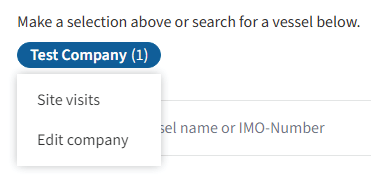
Use the search field to find a ship by its name or IMO number.
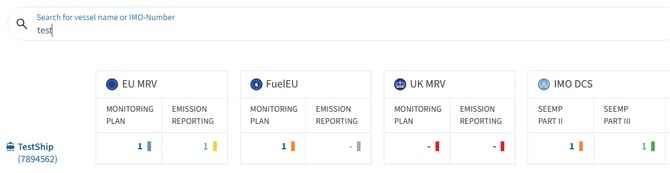
Hover over the ship name to access additional options. From here, you can:
- Set the applicability of each scheme for the ship.
- Edit the ship information.
- Directly access the ship's Monitoring Plans.
- Directly access the ship's Reporting List.
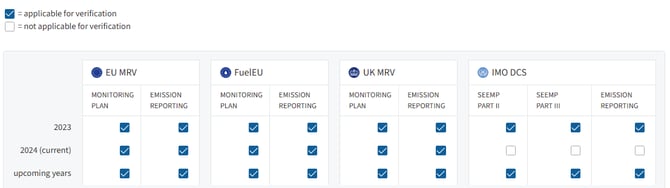
If a scheme is not relevant for a specific reporting year – for example, UK MRV because the ship had no relevant UK voyages – untick the corresponding checkbox under Set applicability. The ship will then be displayed with the status N/A for that scheme.